SECOND LIFE MARKETPLACE
Styling CSS to adjust the Second Life Marketplace using Browser add-ons!
Cosmetic only, of course. Feel free to read and edit all of it.
[ UBLOCK CODE : BLOCK STORES/USERS ]
Place into your My Filters tab in uBlock Origin! Then edit the names.
This code snippet uses typical uBlock functionality; simply removing content.
That feature we should've had since 2009!
This code snippet uses typical uBlock functionality; simply removing content.
That feature we should've had since 2009!
Main Marketplace Revamp Code Below...
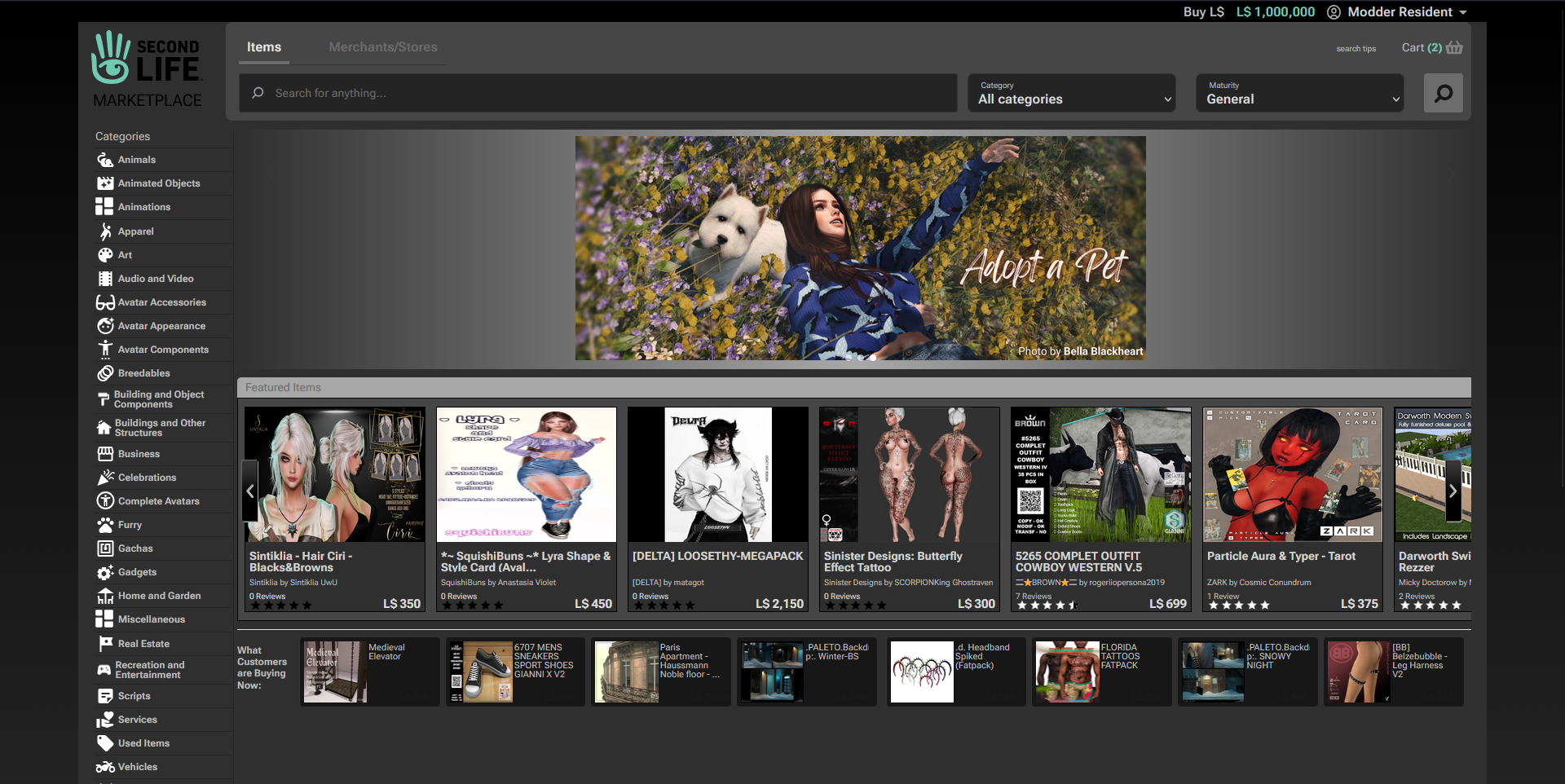
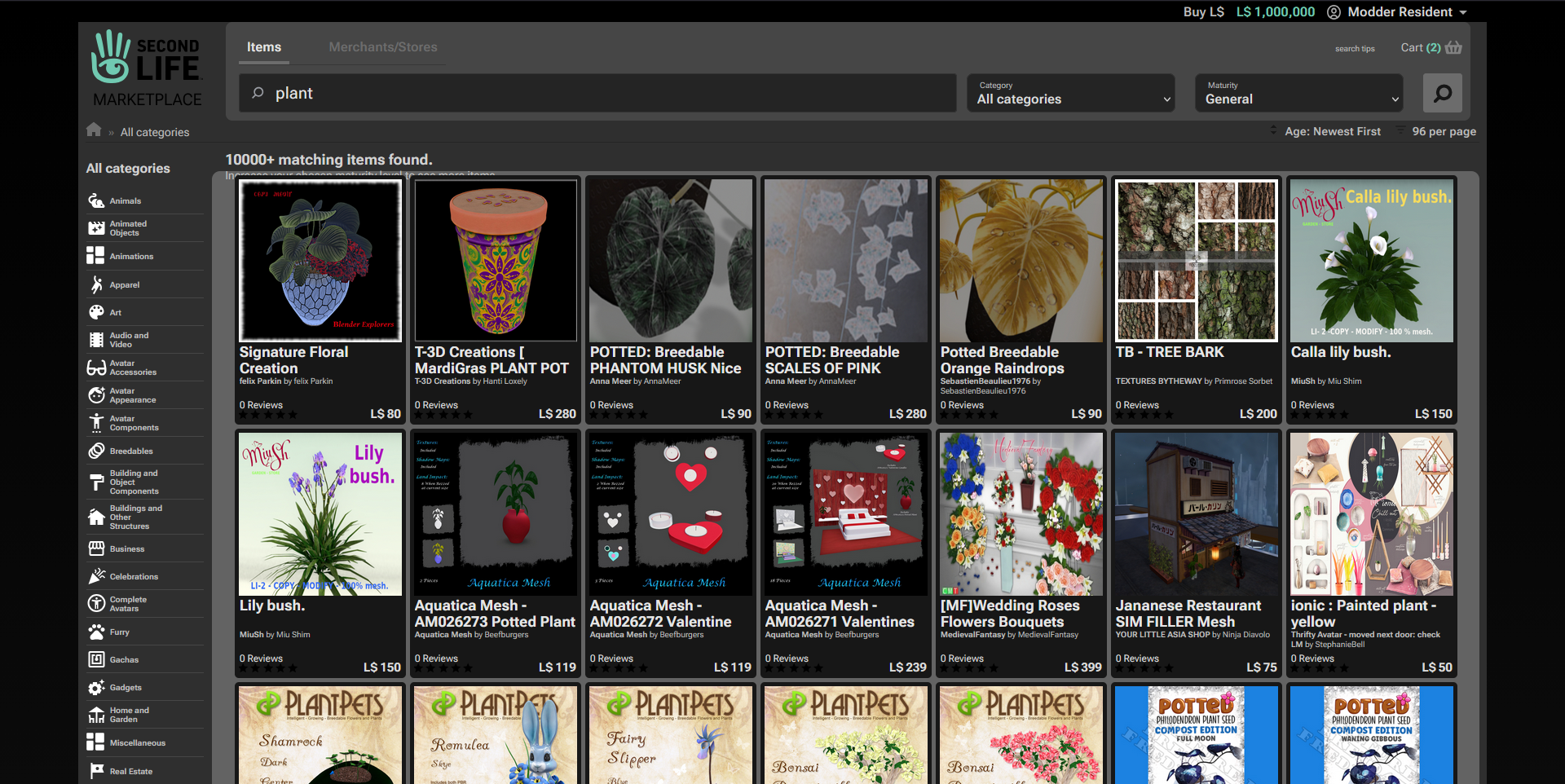
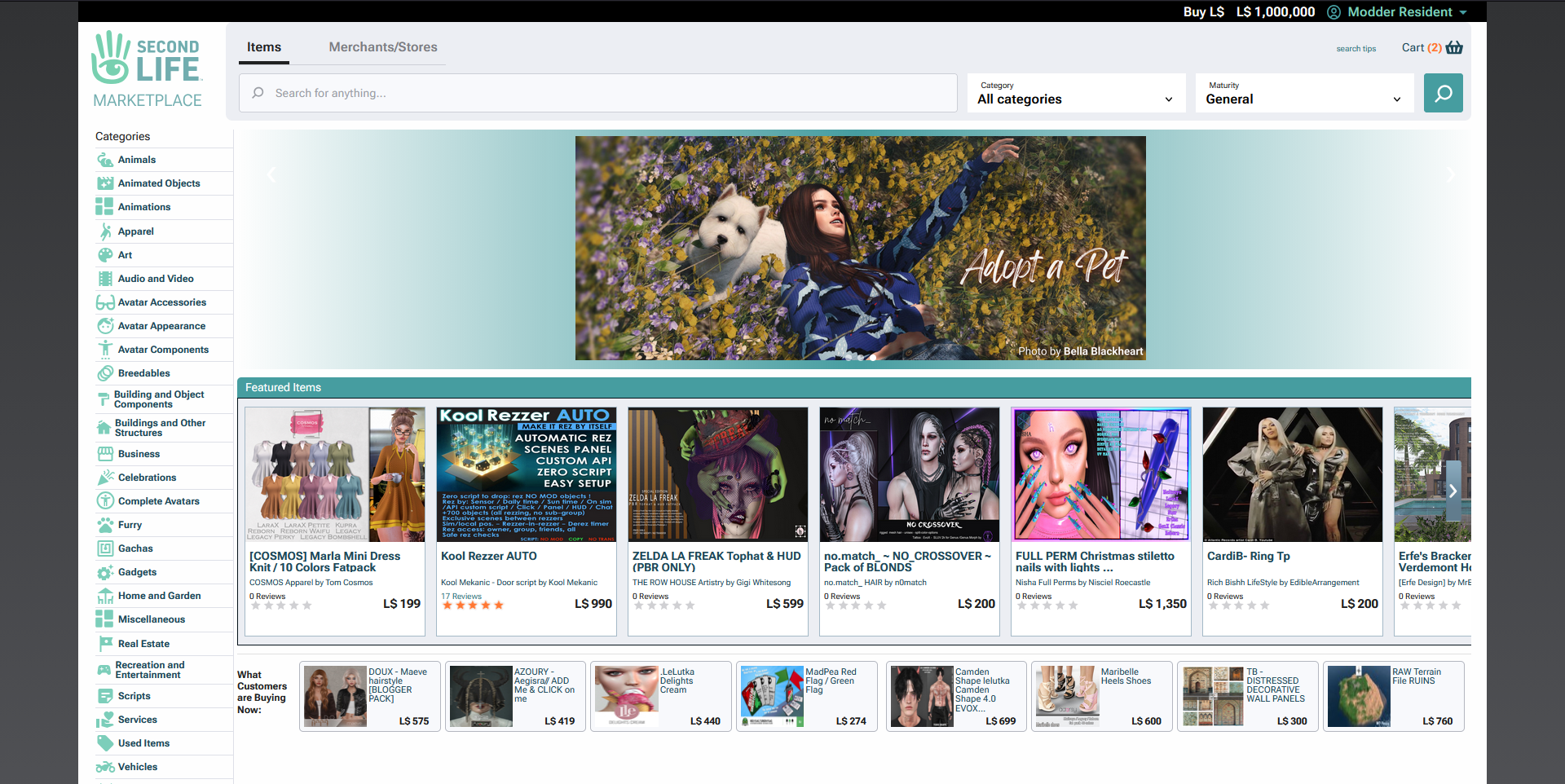
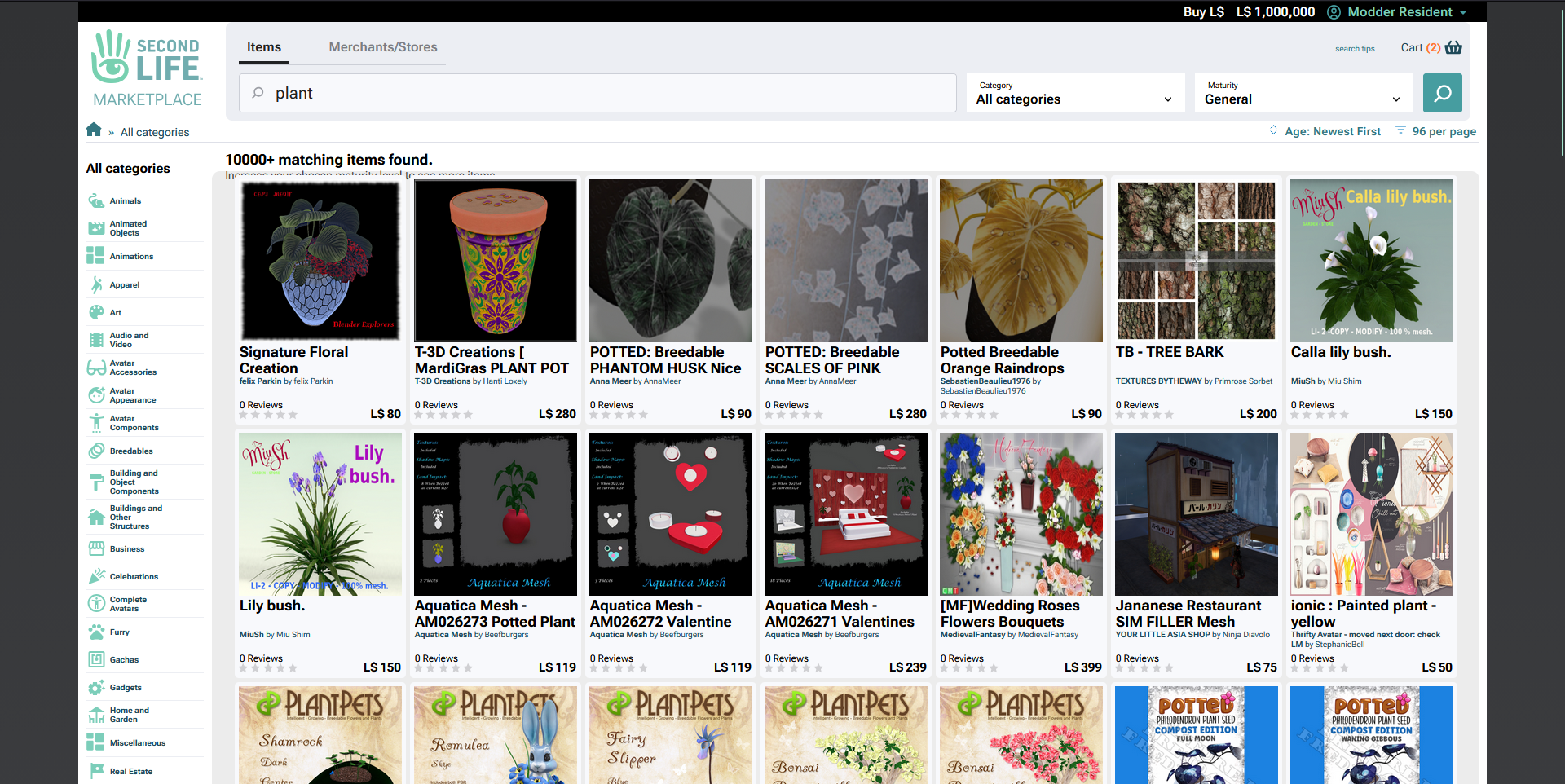
To see side-by-side images of these compared to the default UI, head to Previews.[ UBLOCK CODE : MAIN CODE ]
Place into your My Filters tab in uBlock Origin!
This code snippet uses ... everything it can. It is long.
To see the full code before copying it, click here!
This code snippet uses ... everything it can. It is long.
Modifiers for the Modification...
Themes! Color schemes! Check out the Previews.[ UBLOCK CODE : ADD-ON THEME: OLD GREEN ]
Place into your My Filters tab in uBlock Origin! Requires the above 'main' code, may look slightly wrong otherwise.
Replaces the used --color-sl-blues with greener hues, like the older site theme.
Replaces the used --color-sl-blues with greener hues, like the older site theme.
[ UBLOCK CODE : ADD-ON THEME: DARK ]
Place into your My Filters tab in uBlock Origin! Requires the above 'main' code, may look slightly wrong otherwise.
Replaces the entire color scheme of everything to be dark greyscale.
You can edit --color-primary's #Hex code for changing the accent color!
Replaces the entire color scheme of everything to be dark greyscale.
You can edit --color-primary's #Hex code for changing the accent color!